Tutorial
Create Multiple Product Sets for a Single Product Category
A Product Set is specific to Datafeedr and is used to search and find products that you want to add to your WooCommerce Store. A Product Category, on the other hand, is…


Tutorial
A Product Set is specific to Datafeedr and is used to search and find products that you want to add to your WooCommerce Store. A Product Category, on the other hand, is…
Tutorial
Displaying Comparison Sets on posts, pages, and other areas where WordPress shortcodes are allowed, can be accomplished using one or more shortcodes and filters. For a…

Tutorial
When creating or editing a Product Set, each Product Set can return a maximum of 10,000 search results. Typically, you will only get this many products returned if you…
Tutorial
Product Sets and Product Categories each have a unique function.
Tutorial
Comparison Sets can easily be customized and updated to your liking. For example, customize the title, customize the price format, or customize the Buy Buttons.
Tutorial
With numerous products added to your WooCommerce store from different Product Sets, it's easy to lose track of which Product Sets added which products.
Tutorial
Adding products to Product Sets can be accomplished using either the Saved Search Method or the Manual Search Method.

Tutorial
The Merchant Limit Search Field is available when creating and/or editing Product Sets.

Tutorial
There are a lot of Search Fields you can use when searching for products. In fact, you have over 35 Search Fields to choose from.

Tutorial
Some Search Fields are related to product pricing. Other Search Fields are related to the networks and merchants they are part of. And, some are related to product identification.
Tutorial
When displaying a Comparison Set in a blog post, the Comparison Set can easily be modified and changed to match your preference. This includes the Comparison Set title.
Tutorial
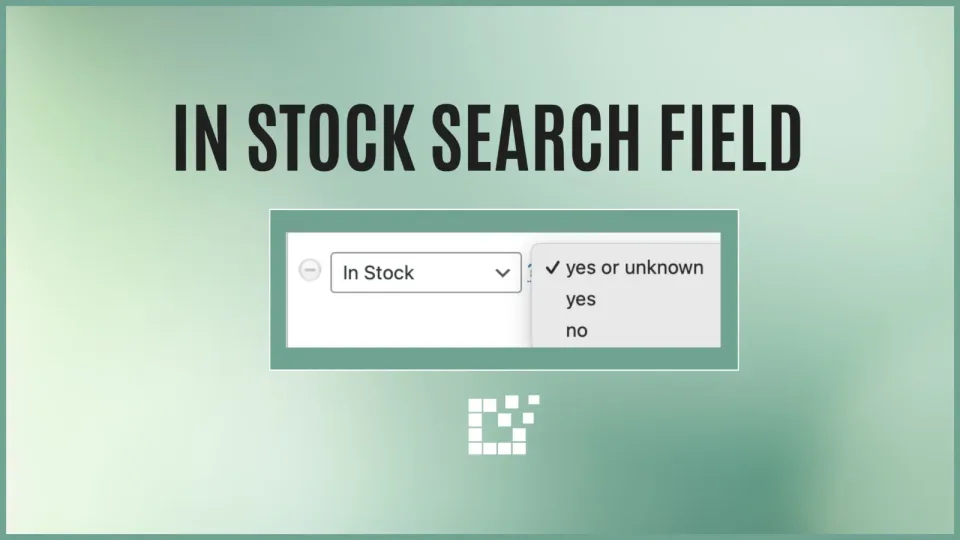
One of the Search Fields available on both the Scratchpad and with Product Sets is the In Stock Search Field.