Tutorial
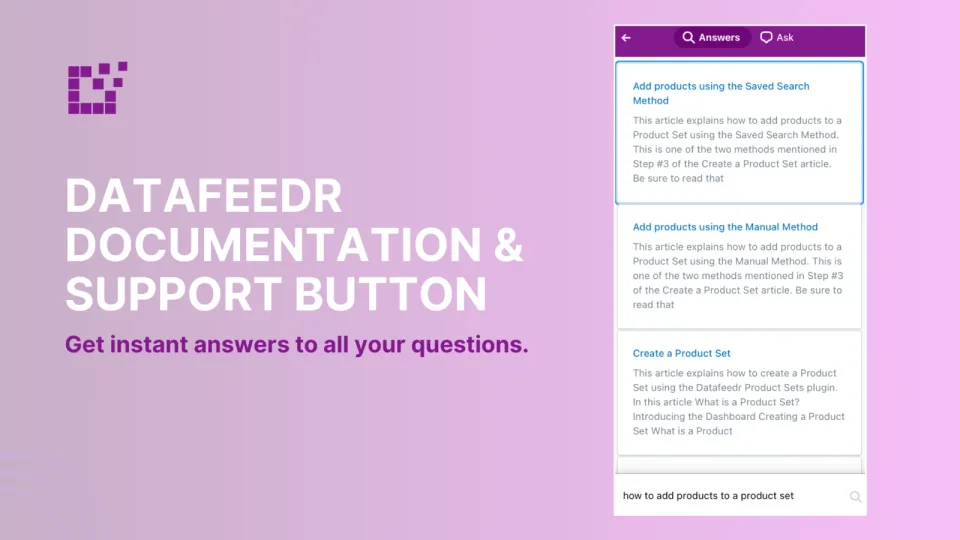
Datafeedr Documentation & Support Link
In the Wordpress admin area, you will find the Datafeedr Support button in the lower right hand corner. This button is available on all Datafeedr-specific pages.


Tutorial
In the Wordpress admin area, you will find the Datafeedr Support button in the lower right hand corner. This button is available on all Datafeedr-specific pages.
Tutorial
When you sign up and are approved by an affiliate network, the network will assign you an affiliate ID. This is an ID that is unique to you. This is how the affiliate…
Tutorial
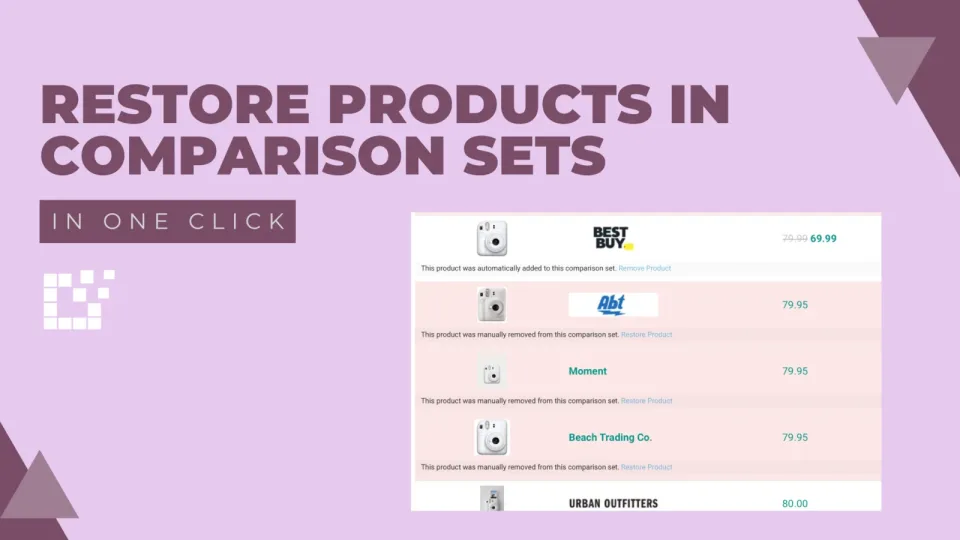
When embedding a Comparison Set in a blog post, there is flexibility to add and remove products. You can learn more about how to achieve this here.
Tutorial
There are three main functions associated with Product Sets: Adding products, Importing Products and Updating Products. While they may seem similar, they each have their…

Tutorial
We have talked about excluding duplicate products from appearing in your search results. However, what if you want to see duplicate products?

Tutorial
When it comes to customizing a Comparison Set, some of these customizations are made from the WordPress Admin area.

Tutorial
When you visit Datafeedr.com, you will see the full list of supported affiliate networks listed on the homepage.
Tutorial
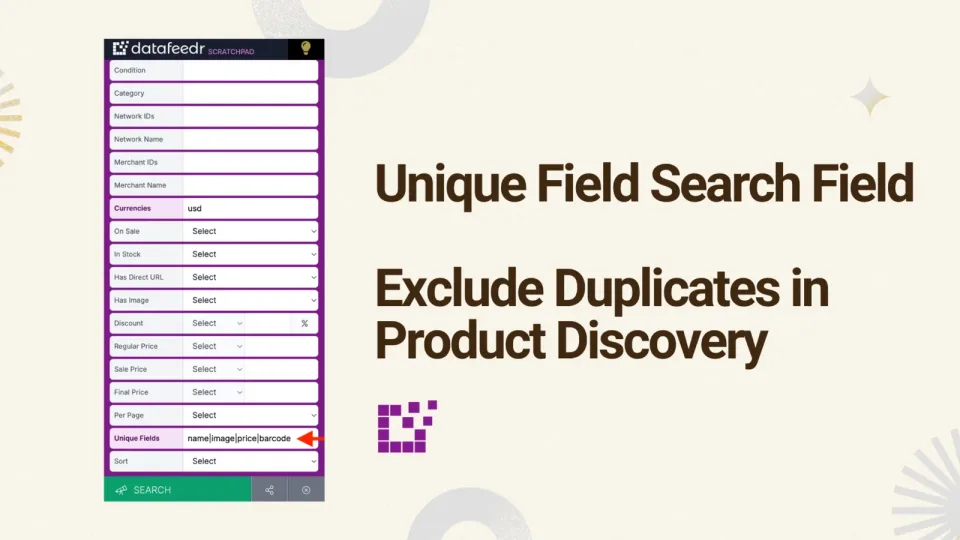
To exclude duplicate products when creating or editing a Product Search, you can use the Exclude Duplicates Search Field. For a refresher on how to use this search…
Tutorial
When displaying a Price Comparison Set on a single product page or in a blog post, you have the flexibility to customize various elements. One of the elements you can…

Tutorial
By default, search results will be ordered based on relevancy.

Tutorial
When searching for products, character operators make your search refined and specific. For example, you can search by beginning or ending with a certain word (check out…

Tutorial
When searching for products, using search filters can ensure that you receive your desired results. One of the ways to do this is to filter by network. This…