Tutorial
Create A Comparison Set using the Brand Filter
Comparison Sets can be created and adjusted with different filters for more refined results.


Tips, updates and the occasional story from the Datafeedr team.
Tutorial
Comparison Sets can be created and adjusted with different filters for more refined results.
Guide
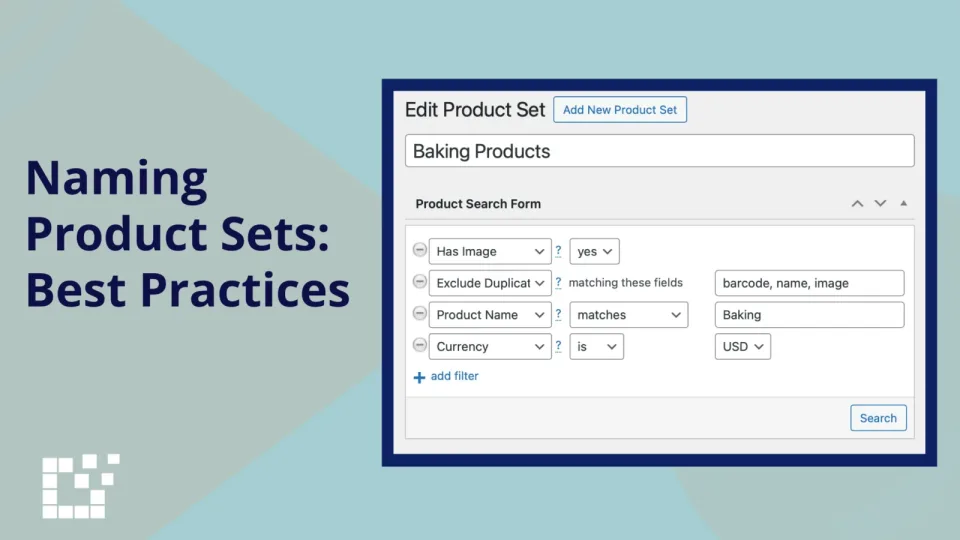
Every Product Set created on Datafeedr can be given a specific name.

Tutorial
"Buy Now" links are direct URLs that take website visitors to a specific product page where they can immediately purchase the product. These links are often displayed as…
Tutorial
Comparison Sets can display the date and time of their most recent update.

Tutorial
Product Set search results can be refined and specified using the Search Drop Down Options.
Tutorial
Comparison Sets can be customized in multiple ways, including the use of various filters.
Tutorial
A Product Set is created by applying Search Filters to narrow down your results, ensuring you find only the specific products you want to feature on your website.
Tutorial
Comparison Sets can easily be added to WooCommerce products on your website.

Tutorial
Comparison Sets can be shown on posts, pages, and other areas where WordPress shortcodes are allowed and customized using filters.
Tutorial
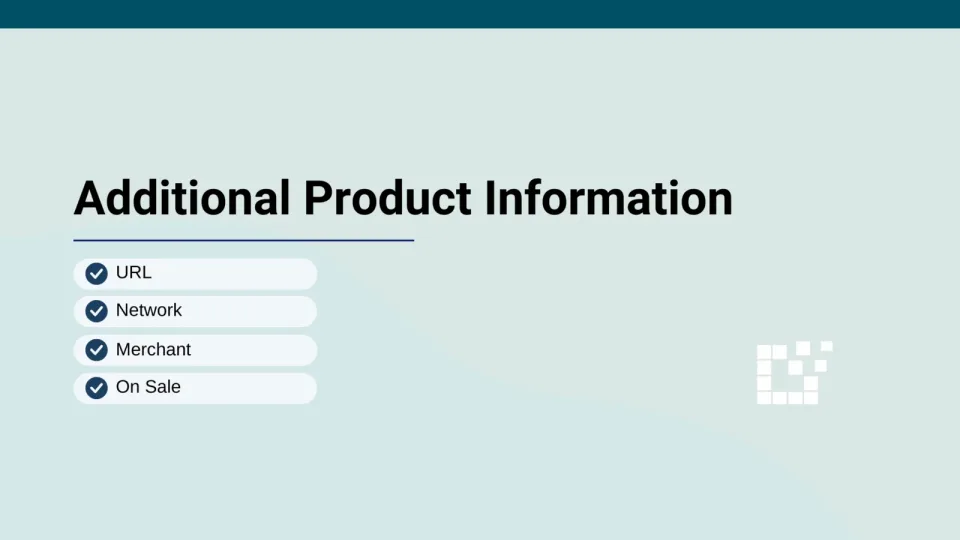
Product search results display products and their relevant information.
Tutorial
Some Product Set search fields offer drop down options to refine your search, such as Contains and Matches.
Tutorial
Product Set updates ensure the quality and accuracy of the products in your Product Sets. Each time a Product Set is updated, products will be refreshed to reflect the…