

Create a Comparison Set Using Multiple Filters
By Casey
Comparison Sets can be customized in multiple ways, including the use of various filters.
For example:
- Create a Comparison Set with only products on sale
- Create a Comparison Set with a custom title
- Create a Comparison Set using specific networks and merchants
You can use these filters on their own or combine them for more precise results.
By applying multiple filters at once, the Comparison Set can be refined and specified based on your exact preference.
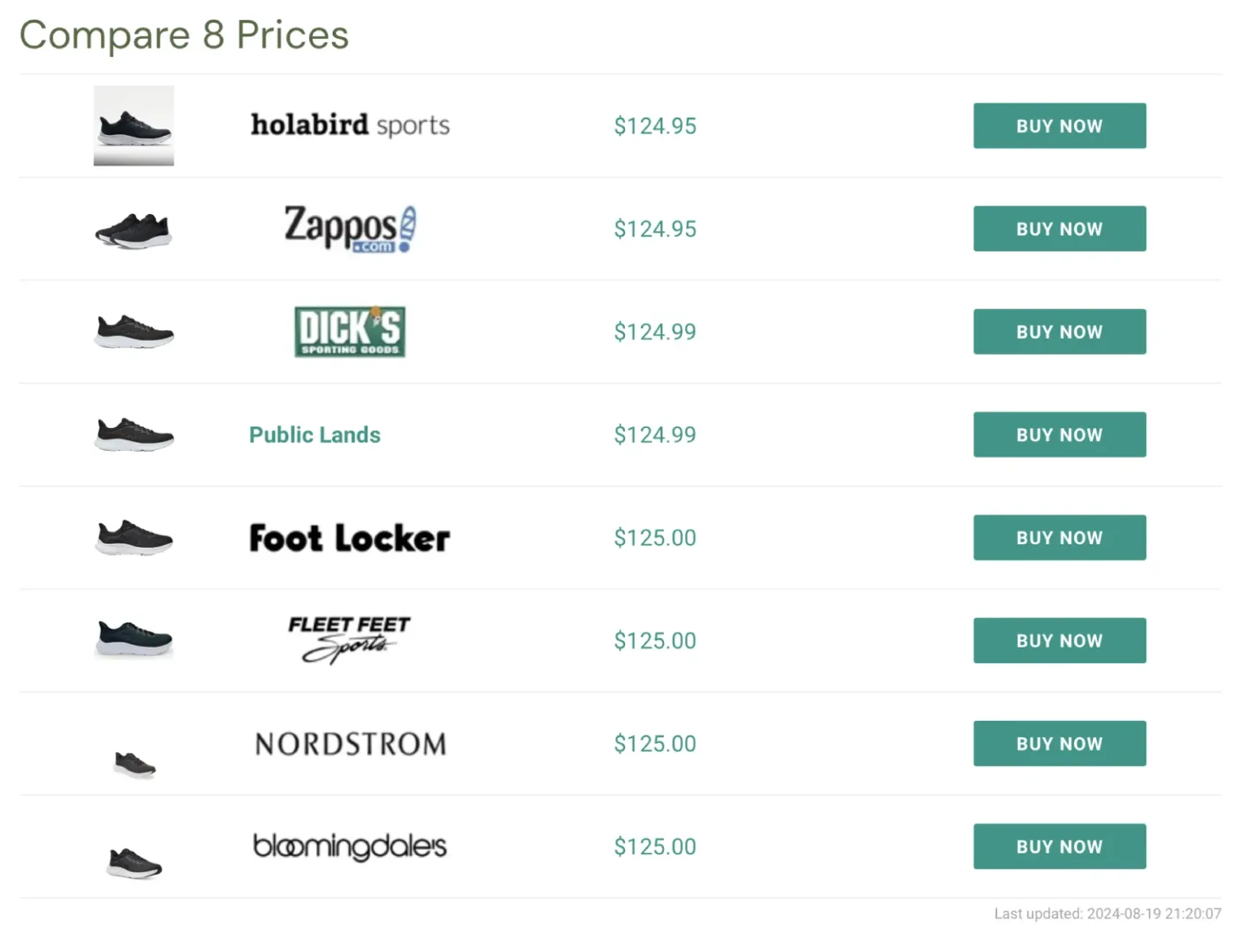
For instance, create a Comparison Set with the currency filter and the final price maximum filter, such as USD and 124.99
[dfrcs barcode="195719202293" filters="currency=USD&finalprice_max=124.99"]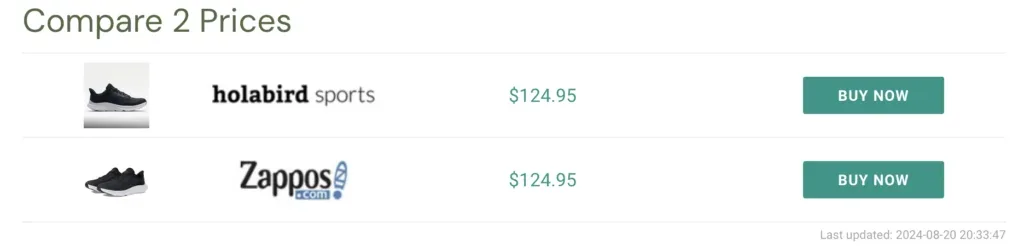
Or, create a Comparison Set using the product name, brand, and network.
[dfrcs name="Hoka Women's Solimar Running Sneakers" brand="Hoka&source_id=4"]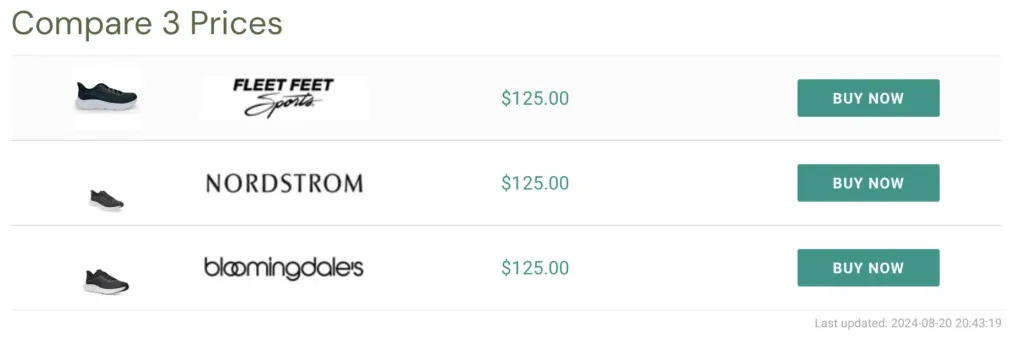
The list of possible filter combinations to use spans on and on. Use multiple filters to create Comparison Sets exactly how you see fit.
To learn more about creating Comparison Sets, check out additional documentation here (opens in a new tab).