Tutorial
Comparison Set Customizations: Add/Hide Price
Comparison Sets can easily be customized and updated to your liking. For example, customize the title, customize the price format, or customize the Buy Buttons.


Tips, updates and the occasional story from the Datafeedr team.
Tutorial
Comparison Sets can easily be customized and updated to your liking. For example, customize the title, customize the price format, or customize the Buy Buttons.
Tutorial
With numerous products added to your WooCommerce store from different Product Sets, it's easy to lose track of which Product Sets added which products.
Tutorial
Adding products to Product Sets can be accomplished using either the Saved Search Method or the Manual Search Method.

Tutorial
The Merchant Limit Search Field is available when creating and/or editing Product Sets.

Tutorial
There are a lot of Search Fields you can use when searching for products. In fact, you have over 35 Search Fields to choose from.

Tutorial
Some Search Fields are related to product pricing. Other Search Fields are related to the networks and merchants they are part of. And, some are related to product identification.
Tutorial
When displaying a Comparison Set in a blog post, the Comparison Set can easily be modified and changed to match your preference. This includes the Comparison Set title.
Tutorial
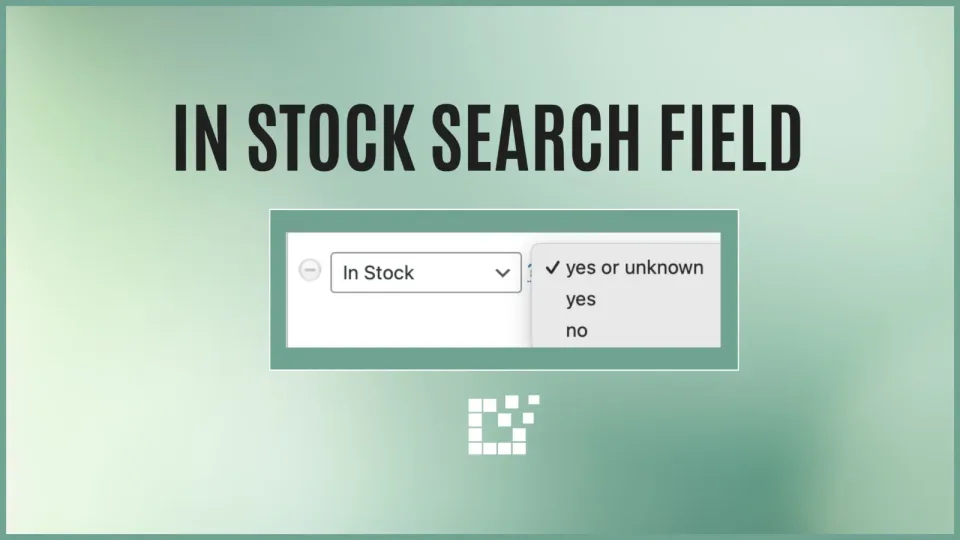
One of the Search Fields available on both the Scratchpad and with Product Sets is the In Stock Search Field.
Tutorial
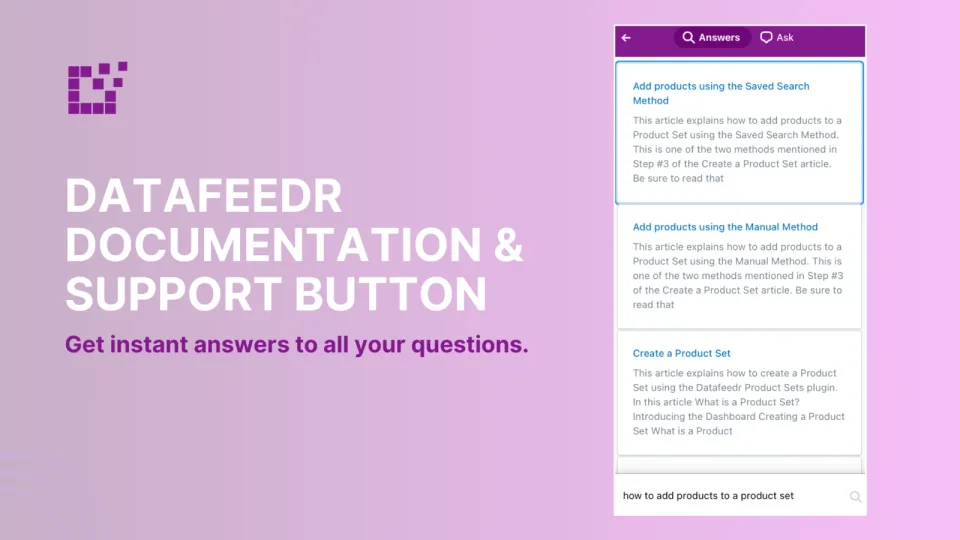
In the Wordpress admin area, you will find the Datafeedr Support button in the lower right hand corner. This button is available on all Datafeedr-specific pages.
Tutorial
When you sign up and are approved by an affiliate network, the network will assign you an affiliate ID. This is an ID that is unique to you. This is how the affiliate…
Tutorial
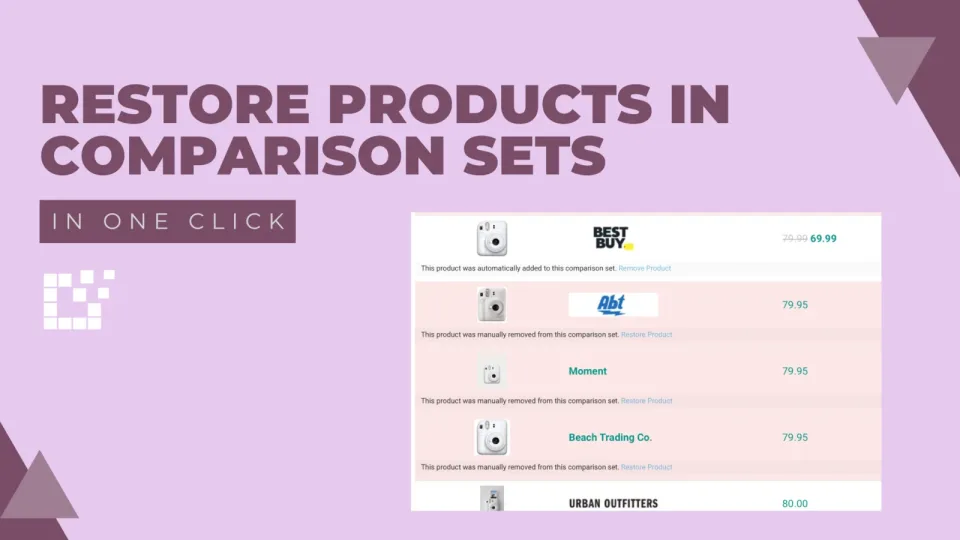
When embedding a Comparison Set in a blog post, there is flexibility to add and remove products. You can learn more about how to achieve this here.
Tutorial
There are three main functions associated with Product Sets: Adding products, Importing Products and Updating Products. While they may seem similar, they each have their…