
Tutorial
How to Limit the Number of Results Returned
When creating or editing a Product Set, each Product Set can return a maximum of 10,000 search results. Typically, you will only get this many products returned if you…


Tutorial
When creating or editing a Product Set, each Product Set can return a maximum of 10,000 search results. Typically, you will only get this many products returned if you…

Tutorial
Adding products to Product Sets can be accomplished using either the Saved Search Method or the Manual Search Method.

Tutorial
The Merchant Limit Search Field is available when creating and/or editing Product Sets.

Tutorial
There are a lot of Search Fields you can use when searching for products. In fact, you have over 35 Search Fields to choose from.

Tutorial
Some Search Fields are related to product pricing. Other Search Fields are related to the networks and merchants they are part of. And, some are related to product identification.
Tutorial
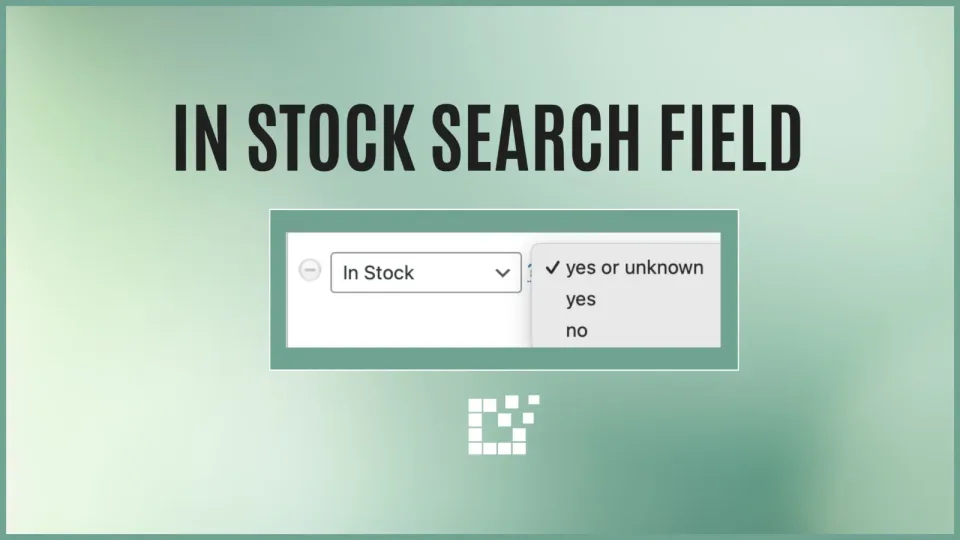
One of the Search Fields available on both the Scratchpad and with Product Sets is the In Stock Search Field.
Tutorial
There are three main functions associated with Product Sets: Adding products, Importing Products and Updating Products. While they may seem similar, they each have their…

Tutorial
We have talked about excluding duplicate products from appearing in your search results. However, what if you want to see duplicate products?

Tutorial
When you visit Datafeedr.com, you will see the full list of supported affiliate networks listed on the homepage.
Tutorial
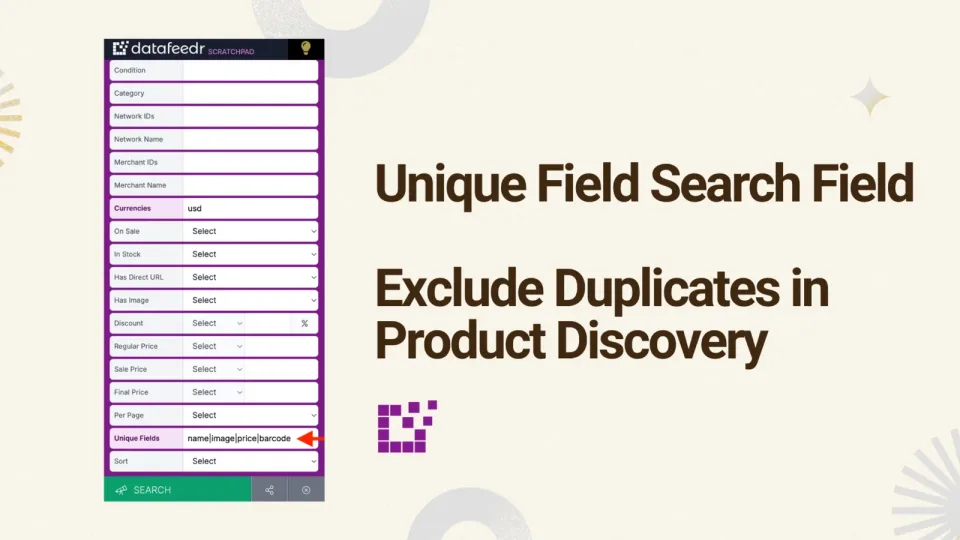
To exclude duplicate products when creating or editing a Product Search, you can use the Exclude Duplicates Search Field. For a refresher on how to use this search…

Tutorial
By default, search results will be ordered based on relevancy.

Tutorial
When searching for products, character operators make your search refined and specific. For example, you can search by beginning or ending with a certain word (check out…