

Datafeedr Resource Library
By Casey
The Datafeedr Resource Library (opens in a new tab) is organized into sections to help you quickly find answers to the specific area you have questions on.
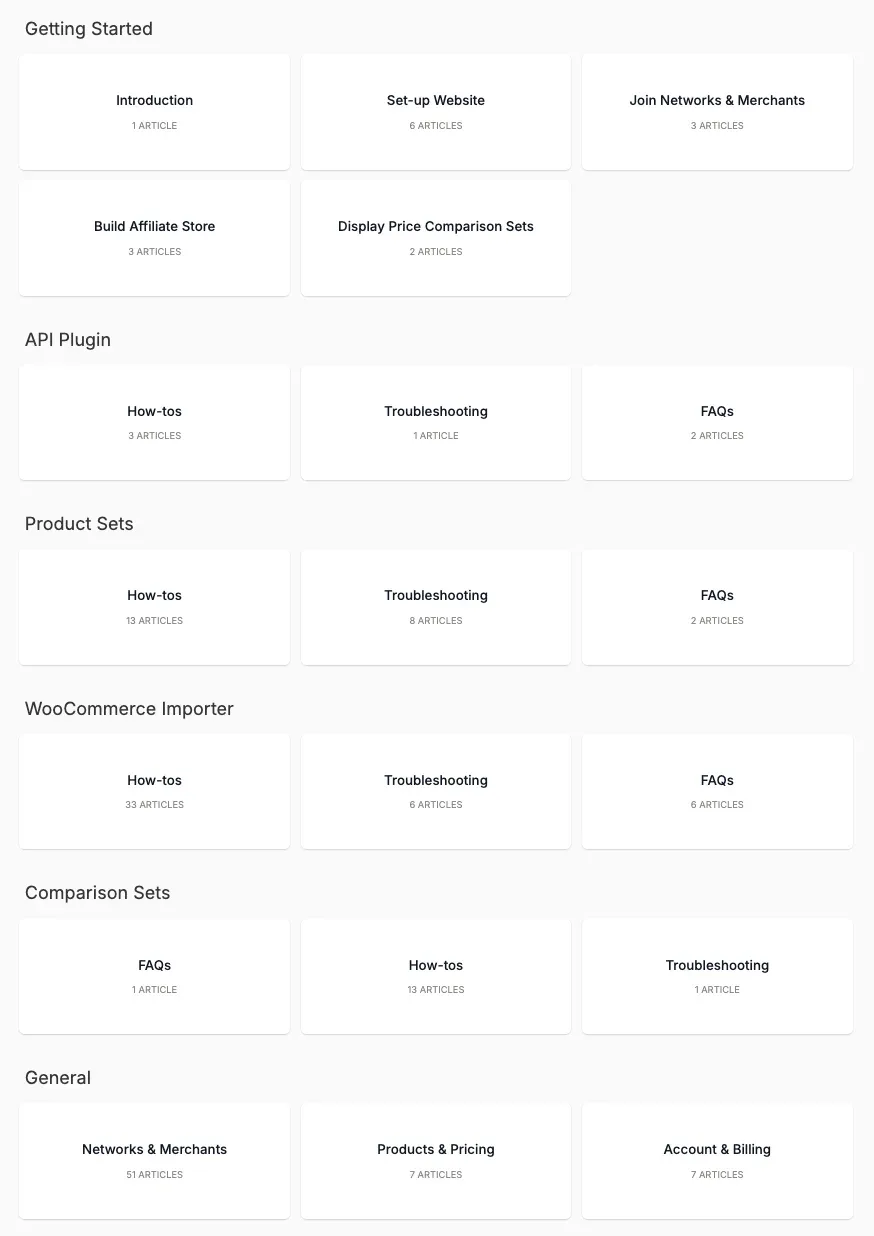
Getting Started
The Getting Started (opens in a new tab) section walks through the process of setting up your Datafeedr account. This section covers topics including:
- How to Set up a Website
- How to apply to networks
- How to apply to merchants
API Plugin
The API Plugin (opens in a new tab) section offers insights into interacting with the Datafeedr API. This section covers topics including:
- How to create a Custom Plugin
- How to replace an affiliate link with a Skimlinks link
- How to the API Query Complexity Score is calculated
Product Sets
The Product Sets (opens in a new tab) section outlines how to search for products and add them to a Product Set. This section covers topics including:
- How to create a Product Set
- How to add products to a Product Set using the Saved or Manual Method
- How to exclude duplicate products
WooCommerce Importer
The WooCommerce Importer (opens in a new tab) section explains how to create and manage a WooCommerce store with Datafeedr. This section covers topics including:
- How to set up your WooComerce Store
- How to add a custom attribute for a product
- How to add merchant name to "Buy" button
Comparison Sets
The Comparison Set (opens in a new tab) section provides information on how to display, update, and modify Comparison Sets. This section covers topics including:
- How to display Comparison Sets for a WooCommerce product
- How to override the default Comparison Set template
- How to change colors and remove items in a Comparison Set
General
The General (opens in a new tab) section explains
- How to find your Affiliate IDs on each of the affiliate networks
- How to upgrade your subscription
- How to request a missing merchant
To view the full resource library, click here (opens in a new tab).